Why a Water Drop Icon Appears on Samsung Screens and How to Fix It Safely
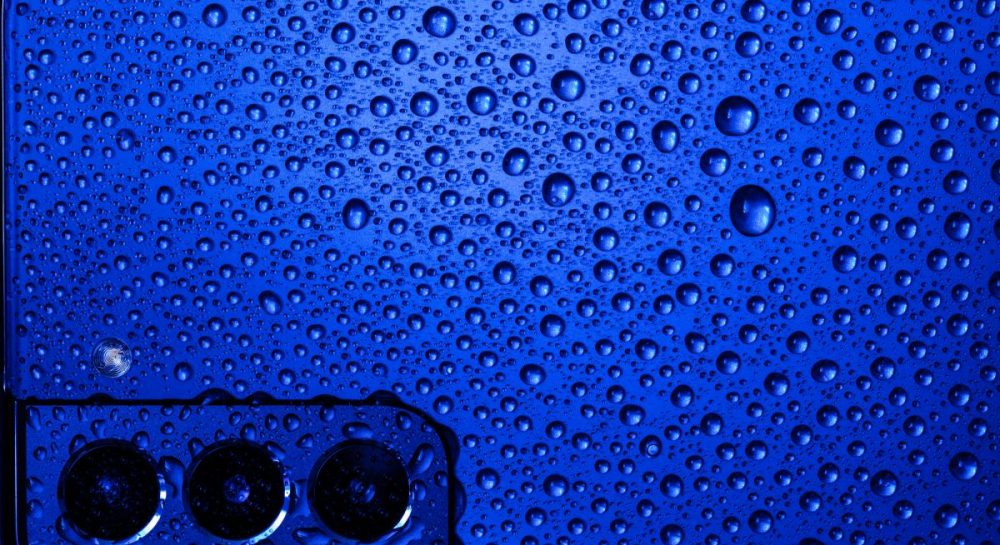
The water drop icon on Samsung smartphones indicates moisture in the USB-C port and temporarily disables wired charging for safety.
 💡Tech
Photo: UNIAN
Key points
- The water drop icon on Samsung devices blocks wired charging due to moisture detection.
- Rice and hot hair dryers should never be used to dry a modern smartphone.
- If the warning persists after 24 hours, clearing the USB cache or changing the cable may help.
Samsung smartphone users may occasionally encounter a system warning featuring a water drop icon on their screens. This indicator shows that internal sensors have detected moisture levels exceeding safe limits inside the USB-C port or device casing. This built-in protective mechanism typically triggers on Galaxy models featuring an IP68 rating, which, despite high water resistance, remain vulnerable to liquid exposure.
Why Charging is Blocked and How to Respond Properly
To prevent potential short circuits and internal damage, the device temporarily disables wired charging for safety reasons. However, the manufacturer notes that wireless charging can still be used if the phone's exterior is completely dry. To properly dry the device, specialists recommend wiping it with a dry cloth and gently shaking it five to ten times with the charging port facing downward to expel accumulated liquid.
At the same time, users should avoid placing the phone in a bowl of rice, as fine starch and dust particles can clog the port permanently. Instead, it is better to direct a stream of cool air from a fan toward the device while avoiding hair dryers, whose hot air can damage internal components. Alternatively, leaving the phone in a well-ventilated area on a dry napkin works effectively.
What to Do if the Warning Persists
If the notification remains on the screen after drying, the issue might be caused by a software glitch in the moisture sensor or lingering internal dampness. In such cases, experts advise waiting at least 24 hours before attempting to plug the phone in again. If the error persists, users can try clearing the USB settings cache or switching to a different charging cable, as moisture may be trapped inside the connector plug itself.
Source UNIAN — unian.ua/techno/gadgets/samsung-blokuye-zaryadku-shcho-oznachaye-zn… ↗
Read next
 🎭Culture & Sport
Serviceman Taras Redziy joins 'The Voice of Ukraine-14'
National Guard member Taras Redziy successfully passed the blind auditions, choosing Natalia Mohylevska's team.
 🩺Health
Why you shouldn't remove bones from canned sardines: expert advice
Removing bones from canned sardines deprives the body of a significant amount of calcium. Experts recommend eating the fish whole, as the canning process makes the bones …
 🏙️City
International Negotiations on Security Architecture: Jared Kushner's Stance
US Special Envoy Jared Kushner has announced the start of multilateral consultations regarding the security architecture for Ukraine and Europe.
 🚨Events
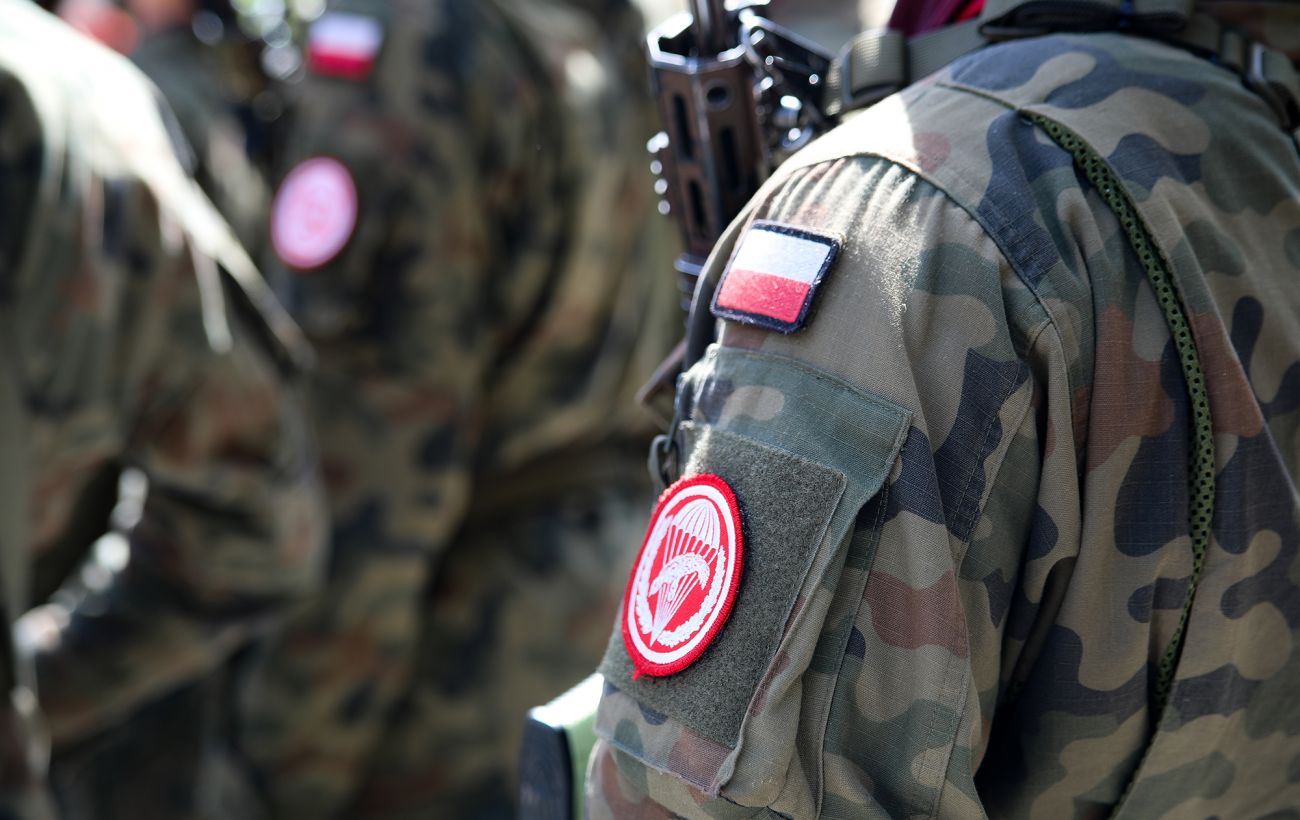
Polish Investigators Confirm Three Russian Kh-101 Missiles Violated Airspace and Reveal New Details
Polish investigators have established that three Russian Kh-101 cruise missiles violated the country's airspace, with fragments found across multiple locations.
 🏙️City
AFU eliminate Russian bridgehead in Kharkiv region, neutralizing encirclement threat
Ukrainian forces successfully conducted a counter-operation in the north of the Kharkiv region, liberating 15 settlements and thwarting enemy plans to encircle Ukrainian …
 ⚽Sport
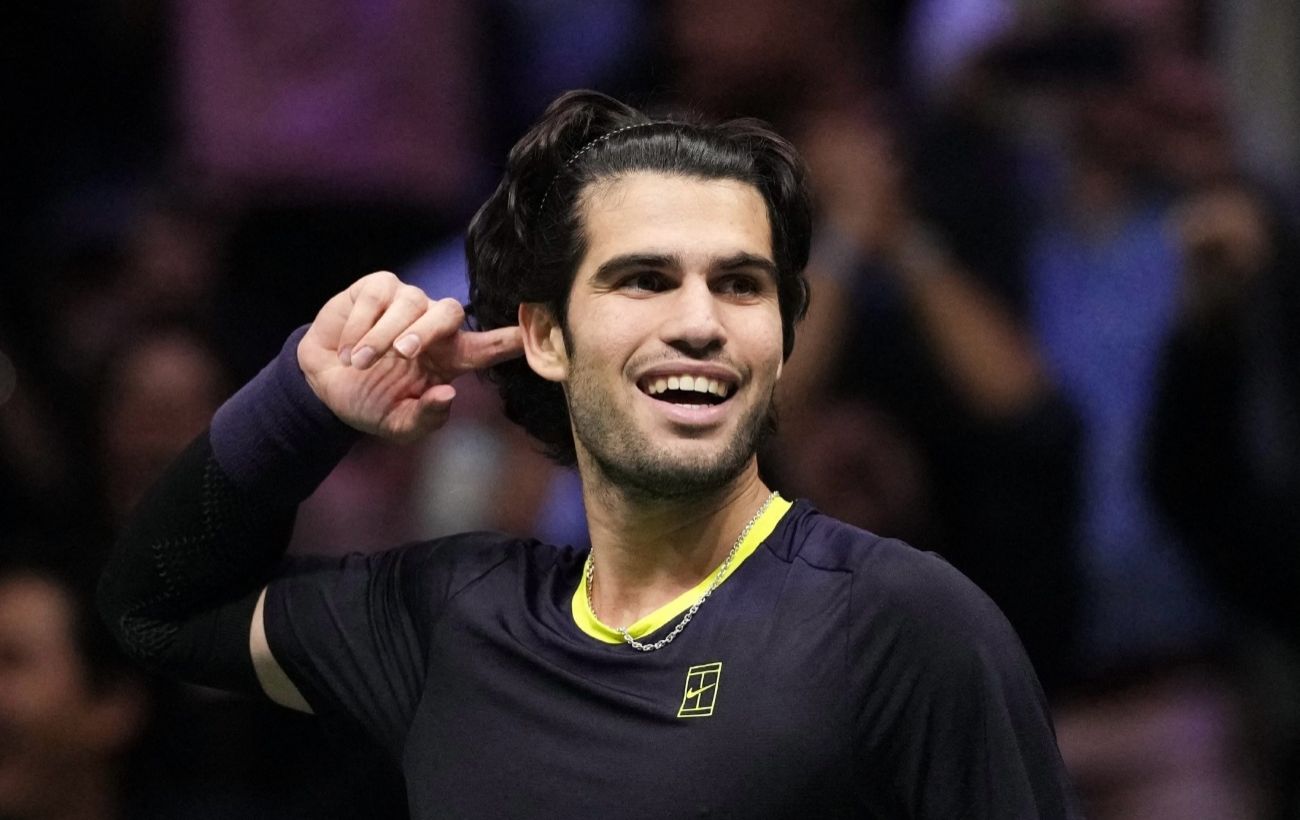
Carlos Alcaraz wins his first ATP Finals title
Spanish tennis player Carlos Alcaraz secured his first ATP Finals trophy after defeating world number one Alexander Zverev in the final.